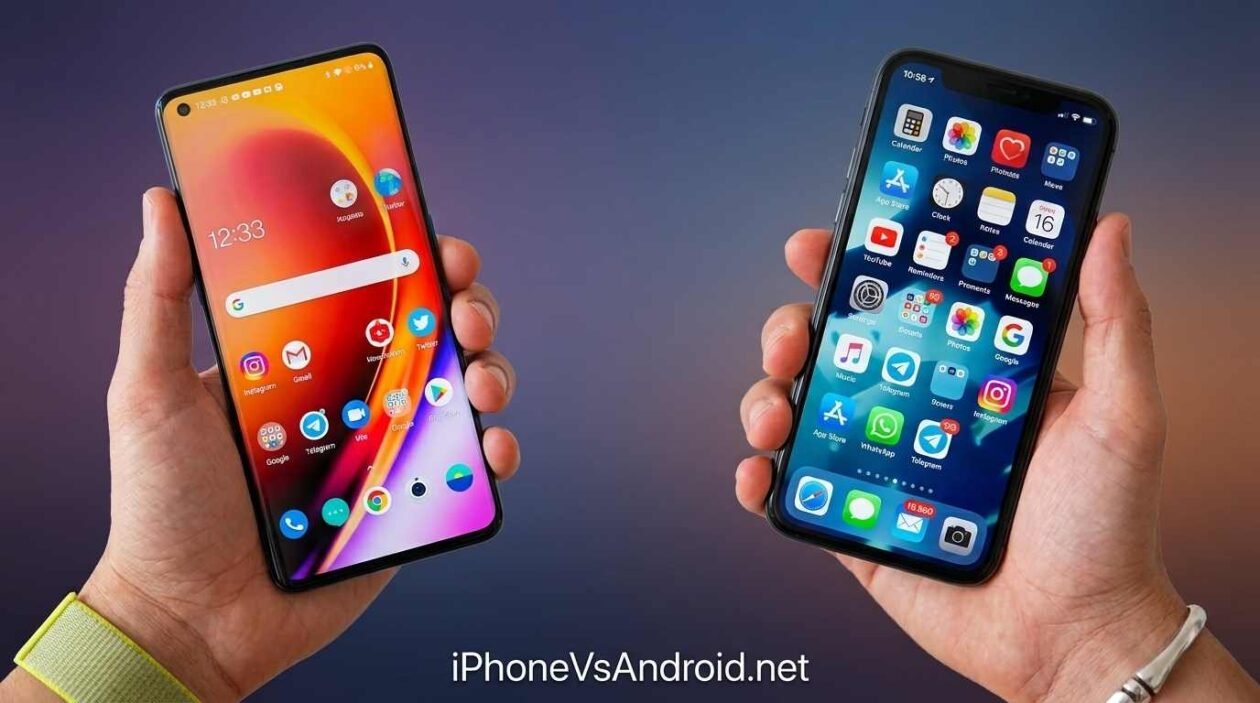
I’ve owned both. Switched from a Pixel to an iPhone two years ago, and I still catch myself missing things about Android I didn’t expect to miss. So this isn’t going to be a neutral, both-sides-are-equal breakdown for iOS vs Android, it’s going to be honest about where each one actually falls short, because that’s more useful than pretending it’s a coin flip.
if you want to see how this plays out with two actual flagships, check our iPhone 17 Pro Max vs Galaxy S26 Ultra comparison.”
Before major comparison, here is the quick iOS vs Android compare-
| Category | iOS 26 | Android 16 |
|---|---|---|
| Design Philosophy | Liquid Glass: translucent layers, consistent across every app | Material 3 Expressive: deep personalization of colors, fonts, widgets |
| Customization Depth | Limited icon/widget placement, no third-party launchers | Full launcher replacement, custom themes, dynamic AI-generated wallpapers |
| AI Assistant | Apple Intelligence: Siri with better context, Writing Tools, Genmoji | Google Gemini: proactive scheduling, thread summaries, cross-app actions |
| AI Processing | Mostly on-device, privacy-first | Mix of on-device (Tensor chips) and cloud-based |
| Photo/Video AI | Clean Up, Image Playground, Live Translation in Camera | Gemini-assisted editing, computational photography varies by brand |
| Messaging Features | Custom chat backgrounds, in-chat polls, Apple Cash in Messages | RCS support, messaging app varies by manufacturer |
| Update Rollout | Same-day updates for all supported iPhones | Fast on Pixel, delayed months on Samsung, OnePlus, and others |
| Security Architecture | Closed ecosystem, Secure Enclave, strict App Store review | Open-source base, Google Play Protect, varies by manufacturer |
| Malware Risk | Lower, closed ecosystem limits attack surface | Higher exposure, especially via sideloading outside Play Store |
| Privacy Controls | App Privacy Report, App Tracking Transparency | Privacy Dashboard, granular permissions, varies by OEM |
| Hardware Choice | Apple only, iPhone lineup, premium pricing | Dozens of manufacturers, budget to ultra-premium, includes foldables |
| Foldable Options | None available | Samsung, Google, and others offer foldable devices |
| File Management | iCloud-dependent, limited direct file system access | Drag-and-drop, computer-like file handling |
| Multitasking | Split View, limited resizable windows | Desktop-style windowing on tablets/foldables (Android 16) |
| Repairability | Improving via Apple Self Repair Program, still limited | Generally easier, wider third-party parts availability |
| Ecosystem Lock-In | Strong, best with MacBook, iPad, Apple Watch | Flexible, works well across mixed-brand device setups |
| Global Market Share | About 28 to 31 percent (dominant in premium/US market) | About 68 to 72 percent (dominant globally, especially emerging markets) |
| Starting Price Range | Around $800 and up | Around $200 to $1,800+ |
The Short Answer: Pick iOS if you already own a MacBook or iPad, want updates the day they drop, and prefer AI that’s cautious with your data over AI that does more. Pick Android if you want real customization, the sharper AI assistant, or more choice in price and hardware, including foldables. Your existing devices probably matter more to this decision than any single feature here.
Design & Customization
Apple redesigned iOS this year with something called Liquid Glass, with translucent layers, smoother transitions, the whole interface feels more premium than it did two versions ago. It’s genuinely nice to look at. But you still can’t do much with it. Icon placement is still rigid in a lot of ways, and if you want a home screen that looks different from everyone else’s iPhone, you’re mostly out of luck.
Android went the complete opposite direction. Material 3 Expressive lets you mess with colors, fonts, widget sizes, basically the entire visual identity of your phone. Add a third-party launcher and you can rebuild the whole thing from scratch. My Pixel used to look nothing like my friend’s Pixel, same model, completely different phone once we were done with it.
If customization matters to you even a little, this isn’t close. Android wins.
The AI Fight: Apple Intelligence vs Gemini
This is the one everyone’s actually arguing about in 2026, and it depends entirely on what you want AI to do for you.
Apple’s approach is cautious on purpose. Most of it runs on your device instead of getting sent off to a server somewhere, which I actually respect. Writing tools, photo cleanup, Live Translation, it’s solid, if a little conservative. Siri finally holds context in a conversation without embarrassing itself, which took long enough.
Gemini on Android just does more. It’ll summarize a thread you didn’t read, handle scheduling without you opening a calendar app, string together tasks across apps in a way that still feels slightly futuristic even now. Google’s poured years into this and it shows.
I’ll say it plainly: if you want AI that’s more careful with your data, go Apple. If you want AI that’s more capable, period, Android’s ahead right now. Not by a landslide, but ahead.
Updates and Security
Not a lot of gray area here, honestly.
Apple pushes updates to every eligible iPhone the same day, no matter your carrier. Android doesn’t work that way unless you’re specifically on a Pixel. Buy a Samsung or a OnePlus and you’re waiting on that company to get around to it, sometimes for months.
That gap frustrated me when I had a Samsung a few years back. Watching Pixel owners get a feature update while mine sat there untouched got old fast.
Picking Your Hardware
iOS means Apple, full stop. A handful of iPhone models, all premium-priced, starting around $800 and climbing from there.
Android is a mess in the best way. Budget phones under $200, foldables pushing past $1,800, a dozen manufacturers actually competing for your money. Want a foldable? Apple hasn’t made one. Android’s your only option. And if you want to see the Android side represented by Google’s own hardware instead of Samsung’s, our iPhone 17 Pro Max vs Pixel 10 Pro comparison covers that matchup.
Files, Multitasking, and Actually Getting Work Done
Android increasingly acts like a small laptop. File management is drag-and-drop simple, and the desktop-style windowing this year means you can run several resizable app windows side by side on a tablet or foldable, genuinely useful if you’re trying to get real work done on a bigger Android screen.
iOS still leans hard on iCloud instead of giving you a proper file system to poke around in. It’s fine if you never leave Apple’s world. It gets annoying fast if you don’t.
The Ecosystem Trap
Here’s the thing nobody likes admitting: this decision usually isn’t about the phone at all.
If you’ve already got a MacBook or an iPad sitting around, an iPhone just slots in. AirDrop, Handoff, iMessage, it all works without thinking about it, and that convenience is real enough that it can outweigh every spec comparison above.
If you’re not already locked into Apple’s other devices, or you live inside Google’s apps anyway, Android doesn’t punish you for mixing brands the way iOS quietly does.
So Which One’s Actually Right for You
Pick iOS if you’re already surrounded by Apple gear, you want updates the day they drop, and you’d rather have AI that’s a little more careful than a little more capable.
Pick Android if you want to actually customize your phone, you want the sharper AI assistant, or you just want more than one company’s idea of what a good phone should cost.
I’m on an iPhone right now because my whole setup is Apple gear and switching back felt like more hassle than it was worth. That’s not the same as iOS being better. It’s just what fit my situation and figuring out what fits yours matters more than winning an argument about which OS is objectively superior, because there isn’t one.
4 thoughts on “iOS vs Android in 2026: Which Should You Actually Choose?”
[…] trying to decide between the two operating systems more broadly, not just these two phones, our iOS vs Android breakdown covers that bigger […]
iPhone 17 Pro Max vs Google Pixel 10 Pro: Is Bigger Actually Better? - Iphone Vs Android
[…] If you’re still weighing the bigger ecosystem question before picking a specific phone, our full iOS vs Android breakdown covers that in more […]
iPhone 17 Pro Max vs Samsung Galaxy S26 Ultra: Which Flagship Actually Wins? - Iphone Vs Android
[…] Honestly? Your own habits do more for your security than either logo does. Clicking a phishing link, reusing the same password everywhere, ignoring an update notification for six months, that’s what actually gets people, not which app store their phone came with. Want the bigger picture beyond just security? We went deeper into that in our iOS vs Android breakdown. […]
iPhone vs Android Security: Which Actually Protects You More in 2026? - Iphone Vs Android
[…] mature its foldable-specific multitasking, including the desktop-style windowing we covered in our iOS vs Android breakdown. Samsung’s software experience for foldables specifically is simply more mature right now, […]
iPhone Duo vs Galaxy Z Fold 7: Apple's First Foldable Faces Samsung's Veteran - Iphone Vs Android